
Complete CFD Brokerage Solution
Everything Your CFD Brokerage Needs,
Everything Your CFD Brokerage Needs,
Connected in One System
Bring trading technology, liquidity, CRM, KYC, payments, risk management and daily brokerage operations together through one connected CFD ecosystem.
Get Your DemoFrom Setup to First Trade
Four Stages to Build Your
CFD Desk
Set the foundation, connect the core infrastructure and bring every part of your CFD operation together before opening to clients.
-
Stage 01
Entity & Licence
Establish your business structure and regulatory framework, defining the markets, instruments and services your CFD brokerage will offer.
-
Stage 02
Trading & Liquidity
Set up your trading infrastructure, connect liquidity providers, configure instruments, spreads and execution requirements, and establish your routing setup.
-
Stage 03
CRM & Operations
Connect your CRM, KYC and payment infrastructure while configuring client onboarding, account structures, IB programs and essential operational workflows.
-
Stage 04
Go Live
Complete system testing, prepare your operational team and launch your connected CFD environment so you can begin onboarding and managing clients.
What Powers Your CFD Desk
Six Core Systems, One Connected Ecosystem
Bring the essential technology behind your CFD brokerage together through one connected infrastructure instead of managing separate systems and integrations.
-
Trading Platforms
Connect MT5, cTrader, Match-Trader, Leverate, VertexFX and Piptrex, giving your brokerage flexibility across supported trading environments.
-
Liquidity & Connectivity
Connect your preferred liquidity providers and trading infrastructure while managing pricing, execution, routing and the connectivity required for your CFD operation.
-
CRM & Back Office
Manage clients, accounts, onboarding, IB operations, finance and daily brokerage workflows through a centralized CRM and administrative environment.
-
KYC & Compliance
Build structured onboarding and verification workflows with KYC integrations, document management, approvals and operational records.
-
Payments & Wallets
Connect payment gateways and supported financial rails for deposits, withdrawals, transfers and wallet management within your brokerage ecosystem.
-
Risk & Reporting
Monitor trading activity, exposure, account performance and operational data through centralized risk controls, dashboards and reporting tools.
Why Connected Systems Matter
The Real Advantage Is
How Everything Works Together
A CFD operation becomes easier to manage when client data, trading activity, payments, partners and risk information move through connected systems instead of isolated workflows.
-
One Client, One View
Bring client profiles, accounts, documents, transactions and trading activity into one connected view, giving your team the context they need to manage each client relationship.
-
Trading Connected to Operations
Connect trading activity with the CRM and back office so account information, platform activity and operational workflows can work together instead of being managed separately.
-
Payments Without the Extra Steps
Connect payment infrastructure with client wallets and account operations to make deposits, withdrawals and transaction management easier to track across the brokerage.
-
Risk Information in Real Time
Give your team visibility into trading activity, exposure and account performance through connected risk controls and real-time operational information.
-
Partners That Stay Connected
Manage IB and affiliate relationships alongside client and trading data, with partner activity, performance and commission workflows connected to the wider brokerage operation.
-
One Operational Picture
Bring client, trading, payment, partner and risk information together so your team can monitor the business from connected dashboards, reports and operational tools.
The whole desk
One system, under your name
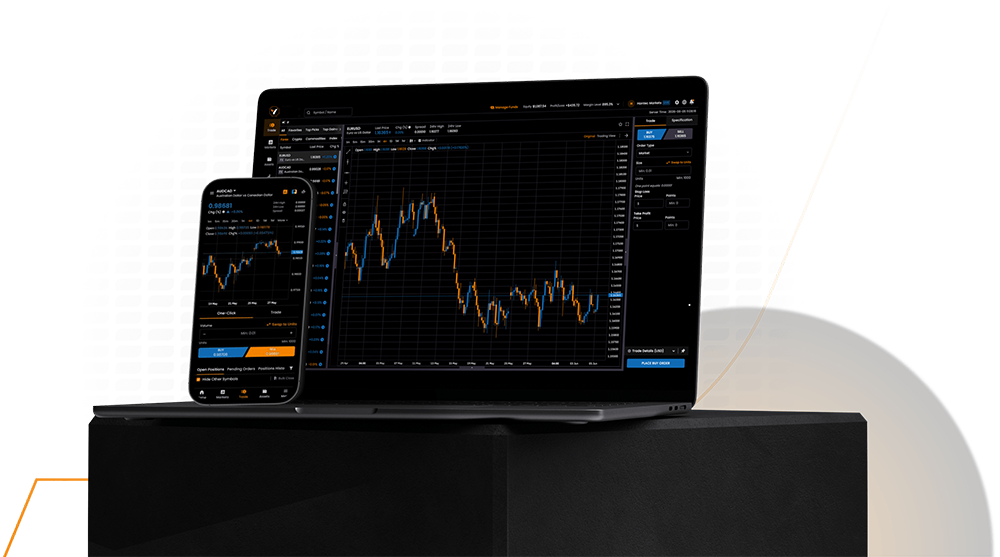
Everything a CFD brokerage runs on, delivered as one platform and branded as yours from the first screen a client sees.
- Platform and liquidity
- CRM, KYC and payments
- Live risk and reporting
- Cloud or your own server
Questions About CFD Brokerage
Before You Launch Your CFD Brokerage
Key questions brokers ask when planning, connecting and launching a complete CFD brokerage operation.
-
A CFD brokerage typically requires a suitable regulatory setup, trading platform, liquidity connectivity, CRM and back-office infrastructure, KYC and compliance workflows, payment connectivity and risk management tools. These components need to work together so client onboarding, account management, trading, transactions and reporting can operate as one connected brokerage environment.
-
Yes. You can connect your preferred liquidity providers and payment service providers through the supported infrastructure. Multiple liquidity sources and payment gateways can be integrated into the brokerage setup, allowing your team to manage connectivity, routing and transaction workflows according to your operational requirements.
-
The brokerage environment can connect with multiple trading platforms, including MT5, cTrader, Match-Trader, Leverate, VertexFX and Piptrex. This allows brokers to select the trading infrastructure that fits their operating model while keeping CRM, client management and back-office workflows connected.
-
Yes. The purpose of the connected brokerage architecture is to keep client profiles, trading accounts, transactions, payment activity and operational workflows linked across the system. This reduces the need to manage the same information across separate tools and gives your team a more consistent view of brokerage activity.
-
Yes. The setup can support existing brokerages as well as new operations. Migration planning can cover client records, trading accounts, documents, partner structures and relevant operational data, while trading, payment and other system connections are configured around the existing brokerage workflow.