
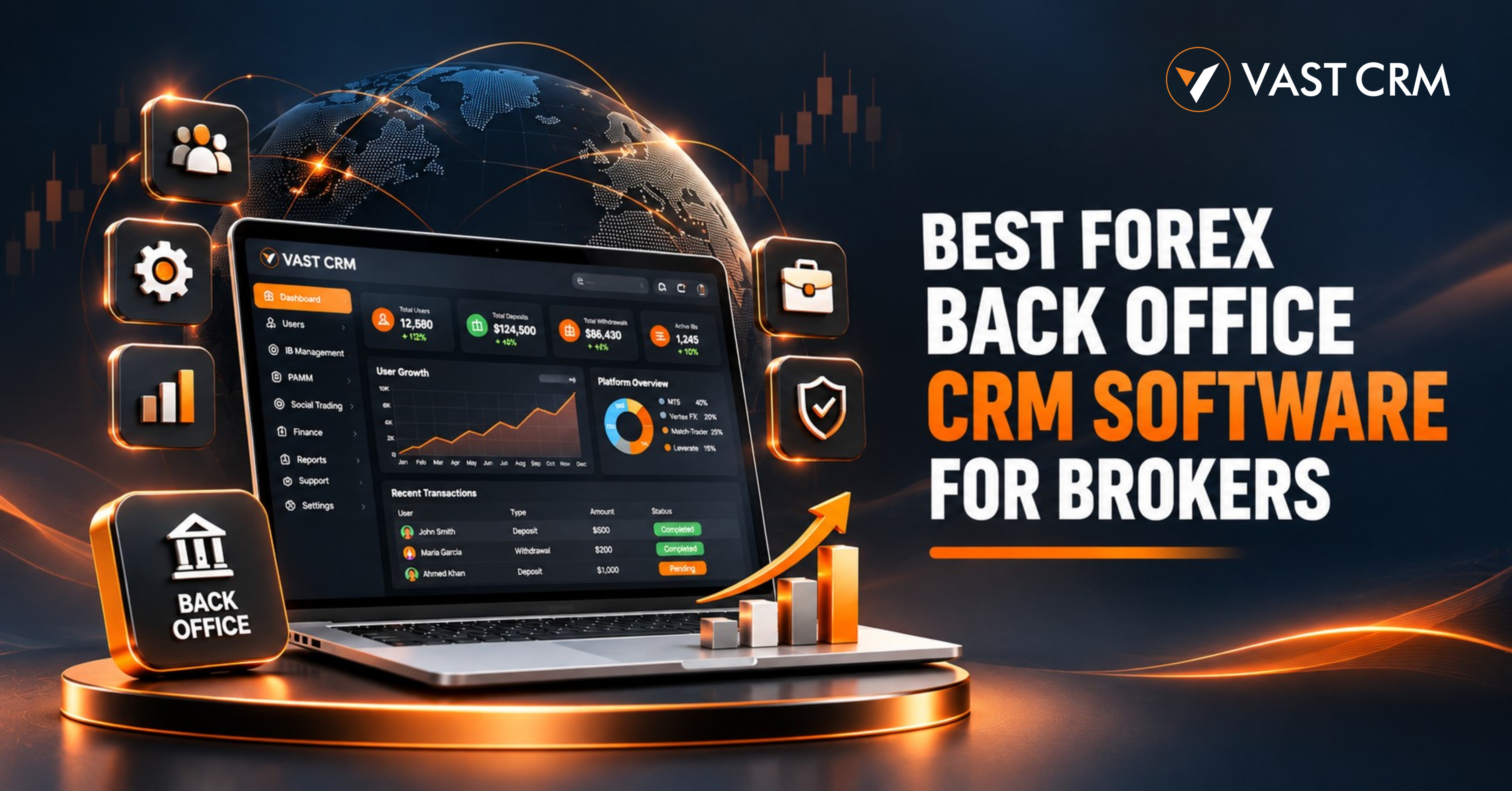
Best Forex Back Office CRM Software for Brokers
Jun 11, 2024
Running a brokerage takes time and care. Teams must manage clients, accounts, payments, files, and partner networks. They also need clear reports and quick support. When each task uses a different tool, work can get slow. A Forex back office CRM brings key tasks into one system. It helps teams view records, track requests, and manage daily work with ease.
A good CRM should work for both staff and clients. It should also link with the trading platforms used by the broker. This helps teams manage key data from one place. VAST CRM offers tools for client records, finance, IB networks, PAMM, Social Trading, and more. It also includes an Admin Portal and a Trader/IB Portal. These tools make a Forex back office CRM useful for daily brokerage tasks.
This guide explains what to look for in back-office software. It also shows how VAST CRM can help brokerage teams manage their work.
1. What Is a Forex Back Office CRM?
A Forex back office CRM is software made for brokerage firms. It helps staff manage client data, accounts, payments, and business records. Teams can also use it to track KYC files, partner activity, and support requests.
The CRM works with the trading platforms used by a broker. It does not have to replace those platforms. Instead, it helps link account data with daily business tasks. Staff can view key records from one place. For example, a client may have both a live and a demo account. Staff can view these records in the CRM. They can also check KYC status, payment history, and support requests. This makes daily work clear and easy to track.
2. Why Do Brokers Need Back Office Software?
Brokerage teams handle many tasks each day. Manual work can make it hard to track each task. A central system helps keep records in order. A Forex back office CRM can also help teams reduce repeated work and keep important data easy to find.
Keep Client Records in One Place
Teams need quick access to client details. These may include names, email IDs, account numbers, and KYC status. A CRM keeps these details in one place. Staff can search and filter records when needed.
Track Payment Requests
Finance teams handle deposits, withdrawals, and transfers. They need to know the amount, date, method, and status of each request. A back-office CRM helps staff review these records. It can also help them track pending and completed requests.
Cut Down on Repeated Tasks
Separate tools can lead to repeated work. Staff may enter the same data more than once. A central system can cut down on this effort. It also helps teams follow the same work steps.
Get a Clear View of Daily Work
Managers need to see what is going on. They may check user growth, payments, KYC, IB activity, and account data. A dashboard can show key figures in one place. This helps teams plan their next steps.
3. Key Features to Check in a Forex Back Office CRM
Each brokerage has its own needs. So, the right system should cover the tasks your team handles each day. Here are some key features to review before you choose a Forex back office CRM.
Client and User Management
Client records are a key part of brokerage work. Staff should be able to add users and update their profiles. They should also be able to check account details and user status.
VAST CRM has user tools in its Admin Portal. Admins can view active and inactive users. They can filter records by name, email, country, date, and status. They can also export member data in Excel format.
Explore the client management module to learn more.
Trading Account Management
Many brokers use more than one trading platform. Some also offer live and demo accounts. Staff need a clear view of these accounts. They may need to check account numbers, balances, equity, leverage, and status. VAST CRM supports links with MT5, Leverate, Vertex FX, and Match-Trader. Piptrex is also part of the VAST CRM ecosystem as an in-house trading platform. The data and actions available can vary by platform and setup.
Read about trading platform integrations and see which options may fit your setup.
Finance and Wallet Management
Finance work needs clear records. Teams must review deposits, withdrawals, and wallet transfers. They may also need to check fees and payment status. VAST CRM has finance tools for these tasks. Staff can review deposit and withdrawal requests. They can also view transfer records and account statements. Payment options may include bank transfer, UPI, payment links, crypto, and supported payment gateways. Each option needs the right setup. Brokers should check the fees and process before launch.
See the finance management module for more details.
KYC and Document Checks
Brokerage teams may need to check identity and address files. A clear KYC process helps staff review each request. It also helps them track files that are pending, approved, or rejected. VAST CRM has KYC tools in its Admin Portal. Users can upload files through the portal. Admin staff can review each file and update its status. They can also add notes when needed. Each broker must set its own KYC rules. These rules should follow the laws that apply to its business. The FATF Recommendations offer a global guide for anti-money laundering controls.
Learn more about the KYC and compliance module.
4. Manage IB Networks and Commission Plans
Introducing Brokers can help a brokerage grow its partner network. But teams need clear records of referrals and commissions. A Forex back office CRM can help manage this work. VAST CRM supports different IB plans. These include direct, level-based, and offer-based systems. It also supports group and pair-based setups, along with lot-based distribution. Brokers can set plans based on their own business rules.
IB Dashboard and Network View
An IB dashboard helps teams view partner activity. It can show referrals, team size, trade volume, and commission records. A network view helps staff see how the partner structure grows.
Commission Records
Commission records should be easy to check. Staff may need to view the source, amount, date, and payment status. VAST CRM has IB commission reports and transfer records. It also supports manager profit sharing and IB profit sharing. These tools help teams manage partner records in one place. Read more about IB management in VAST CRM.
5. PAMM and Social Trading Tools
Some brokers offer PAMM and Social Trading services. These services need clear account records. Teams may also need to track fees, requests, and transfers.
PAMM Management
PAMM tools help teams manage manager and investor records. Staff may need to check deposits, withdrawals, equity, fees, and profit or loss data. VAST CRM includes a PAMM module for these tasks. It also supports records linked to supported trading platforms.
Social Trading Management
Social Trading lets clients follow selected trading accounts. The team may need to manage managers, investors, and subscriptions. It may also need to check fees and account activity. VAST CRM includes Social Trading tools for these tasks. Teams can manage account records, requests, fees, and transfers. Trade data is available where the platform link supports it.
Explore the PAMM module and the Social Trading module.
6. Admin Portal and Trader/IB Portal
A brokerage has different types of users. Admin staff need tools to manage the business. Clients and IB partners need access to their own records. A Forex back office CRM should support both groups.
Admin Portal
The Admin Portal gives staff one place to manage daily work. VAST CRM has modules for users, finance, IB, PAMM, Social Trading, leads, support, and settings. The dashboard can show total users, active users, deposits, withdrawals, transfers, KYC status, IB data, and PAMM data. Admins can also set staff roles and permissions. This helps control who can view or update each record.
Trader/IB Portal
The Trader/IB Portal gives clients and partners access to their own data. Users can view account details, balances, and transaction history. They can also upload KYC files and check their status. IB users can view referral links and commission records. PAMM and Social Trading users can access the details linked to their profiles. This keeps many client tasks in one portal.
Explore the Trader Portal and the IB Partner Portal.
7. Reports, Leads, and Support
Reports help teams review daily work. They can show account data, payments, commissions, and user records. A good CRM should offer useful filters and export options. VAST CRM has reports for key business tasks. Admins can review trade history, account logs, finance records, and IB reports. They can filter records by date, user, account, and status.
Lead Management
Lead tools help teams manage new and old leads. Staff can add leads or upload them through Excel. They can group leads by status and update each record as work moves forward.
Learn more about lead and sales management.
Support Ticket Management
Support tools help staff track client queries. VAST CRM has a ticket system with status tracking. Teams can review new, open, closed, and reopened tickets. This helps them follow each request and keep a clear record. With a Forex back office CRM, support teams can keep client requests and updates in one place. This makes it easier to review open issues and follow up on pending tickets.
8. Access Control and Payment Safety
Back-office software stores client and business records. Only the right people should have access. Role-based access helps admins set these limits. VAST CRM supports staff roles and permissions. Admins can set access based on job needs. They can also review admin and account logs. This helps teams track key actions. Payment safety needs care too. Brokers should review their payment providers and follow the rules that apply to them. The PCI Security Standards Council shares standards for payment card data safety. The right controls depend on how a business handles payment data. Trading platform safety also matters. The MetaTrader 5 security guide explains its security features. Brokers should review the safety options of each system they use.
9. How to Choose the Right Forex Back Office CRM
Every brokerage has its own needs. Make a list before you choose a system. Use these points to guide your review:
- Check the main tools: Review user, finance, KYC, IB, PAMM, and support features.
- Check platform links: Make sure the CRM fits your trading setup.
- Review account data: Ask which account details and trade records are available.
- Check payment options: Review the payment methods and gateway links you need.
- Review staff access: Make sure admins can set roles and permissions.
- Check reports: Look for useful filters, logs, and export options.
- Ask about branding: Review white-label options for your own brand.
- Discuss hosting: Ask about hosted and self-hosted options, where available.
- Request a demo: Test the main tasks before you make a choice.
Do not choose a system based on a list of features alone. Ask for a live demo. Test the tasks your team handles each day. This will help you see if the system fits your work.
10. How VAST CRM Supports Brokerage Teams
VAST CRM is a B2B software solution for brokerage firms. It helps teams manage key tasks through one CRM system. It is not a broker or a financial service provider. It provides software that brokers can use to manage their own work.
VAST CRM brings these tools into one system:
- Admin Portal for staff and business tasks.
- Trader/IB Portal for client and partner access.
- Client, account, and KYC management.
- Finance, wallet, deposit, and withdrawal tools.
- IB plans, network views, and commission records.
- PAMM and Social Trading modules.
- Lead and support ticket tools.
- Reports, filters, and activity logs.
- Links with MT5, Leverate, Vertex FX, and Match-Trader.
- Piptrex as an in-house trading platform option.
- White-label and mobile solution options.
Brokers can discuss the tools and platform links that fit their needs. They can also review branding and hosting options with the team. Explore the VAST CRM white-label solution to learn more.
11. Frequently Asked Questions
What is a Forex back office CRM?
It is software that helps brokers manage clients, accounts, payments, KYC, partners, and reports. It brings key tasks into one system.
Why do brokers need back-office software?
It helps teams manage daily work with clear records. Staff can review client data, payment requests, account details, and support tickets in one place.
Can a back-office CRM connect with trading platforms?
Yes. A CRM can connect with supported trading platforms. The data and actions depend on each platform link and its setup.
Which trading platforms does VAST CRM support?
VAST CRM supports links with MT5, Leverate, Vertex FX, and Match-Trader. Piptrex is also part of the ecosystem as an in-house trading platform.
Does VAST CRM include IB management?
Yes. It has direct, level-based, and offer-based IB plans. It also supports group and pair-based setups, dashboards, network views, and commission records.
Can teams manage PAMM and Social Trading?
Yes. VAST CRM has PAMM and Social Trading modules. Teams can manage related accounts, requests, fees, and records.
Does VAST CRM support payment methods?
VAST CRM supports options such as bank transfer, UPI, payment links, crypto, and supported payment gateways. The available methods depend on the setup.
Is VAST CRM a broker?
No. VAST CRM is a B2B software provider. It builds CRM and back-office tools for brokerage firms. It does not run a brokerage business.
Can a broker use its own brand?
VAST CRM offers white-label options. Brokers can discuss branding, portal setup, and hosting needs with the team.
Conclusion: Bring Brokerage Tasks into One System
Brokerage work involves many tasks. Teams need to manage clients, accounts, payments, KYC, partners, and reports. Separate tools can make this work hard to track. A Forex back office CRM helps bring these tasks into one system. VAST CRM offers tools for both staff and clients. Its modules cover finance, IB, PAMM, Social Trading, leads, and support. It also supports links with MT5, Leverate, Vertex FX, and Match-Trader. Piptrex adds an in-house trading platform option to the ecosystem. The right setup depends on your business needs. Review the modules, platform links, and work steps before you begin. A product demo can help your team make a clear choice.
Want to make daily brokerage work easier?
Talk to the VAST CRM team. Share your needs and book a product demo.
Visit VAST CRM | Contact Our Team
Email: [email protected]
← Back to all blog posts