Mobile Application
The desk and the client portal, on a phone
Why the app
The whole desk,
in a pocket
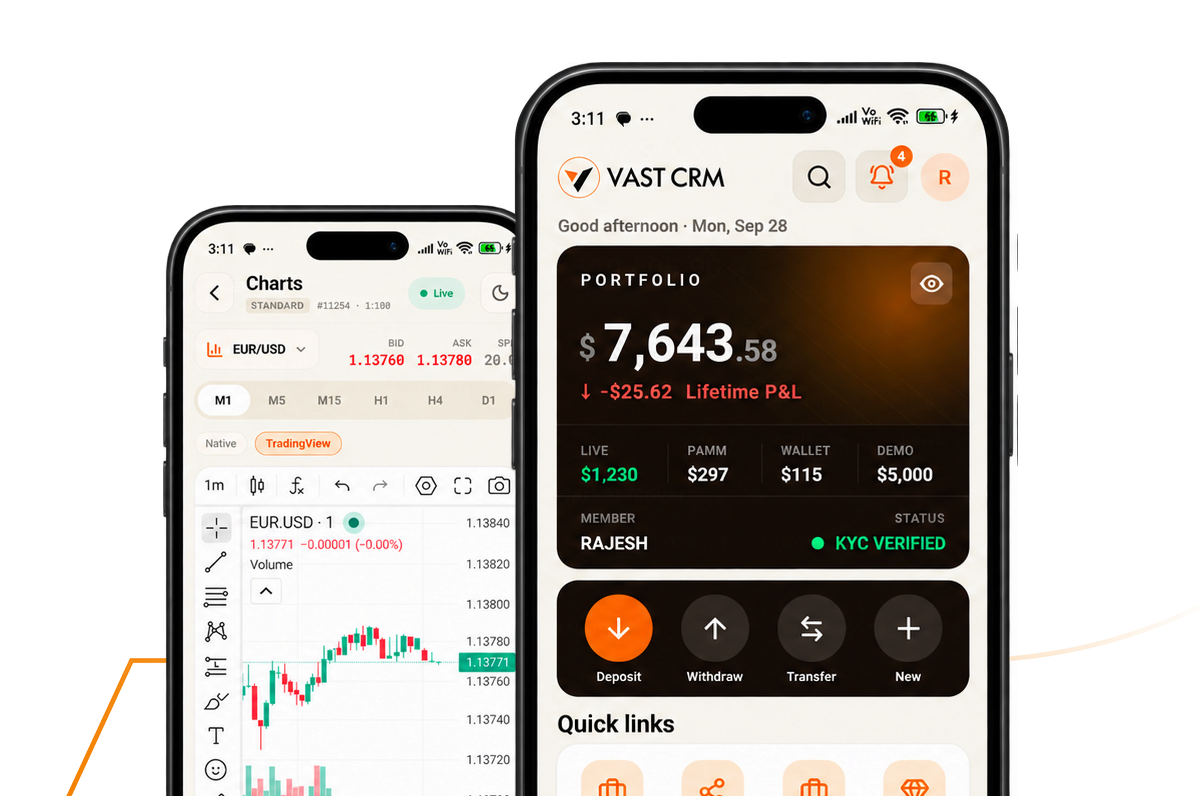
Clients open accounts from a phone and approvals do not wait for anyone to reach a desk.
-
Two apps, one platform
One app for your clients and one for your team, both reading the same data as the browser. Nothing is a separate build kept roughly in step — a change to a rule on the desk is a change in the app the moment it is made.
-
Onboarding from the camera
Registration, document capture and the identity check all happen on the phone the client is already holding. No file to find on a computer, no scanner, and no drop-off between the form and the document upload.
-
Funding on the same rails
Deposits, withdrawals and transfers between accounts run through the methods you have enabled, so a client can top up a position from a taxi without going and finding a laptop first.
-
Approvals that do not wait
Withdrawals, KYC cases and manual adjustments can be released from the phone, inside the same approval limits the console applies. A weekend withdrawal is a decision rather than something that sits until Monday.
-
Told, not gone looking
Push notifications carry the things that need a person — a large withdrawal, a stuck KYC case, a margin call, a partner payout due. The desk stops refreshing a screen to find out whether anything happened.
-
Your name on the store
Both apps are published under your developer account with your icon, your name and your listing. Clients download your app, not ours, and the store page reads as your brand from the first screenshot.
What it does away from a desk
Six things, without a laptop
The work that used to wait until somebody was back in the office.
-
Release a withdrawal
Inside the same limit the operator carries on the console, with the release written against them the way it would be anywhere else.
-
Clear a KYC case
Open the document, read the check that flagged it and decide — the file is on the screen rather than in an email somebody has to go back to.
-
Read the day’s numbers
Deposits, withdrawals, volume and open exposure on the same figures the reports run on, so nothing has to be reconciled after looking.
-
Answer a ticket
The client record, the last deposit and the open case arrive together, which is usually everything the reply needed anyway.
-
Check a partner
What a partner introduced, what they earned and what is due at the next payout, without opening the console to find out.
-
Be told first
Push alerts on the events you choose, so the things that need somebody now reach a person now rather than at the next login.
The mobile app
Your app, your name on it
iOS and Android, built from the same platform your browser portal runs on and shipped under your own brand.
- iOS and Android
- Published under your brand
- Push alerts on approvals
- The same data as the desk
Questions about the app
Before you put it on the store
What brokers ask before publishing a branded app and letting a desk approve from a phone.
-
Yours. The app goes to the App Store and Google Play under your own developer account, with your icon, your name, your screenshots and your listing copy. Clients search for your brand and find your app. We prepare the build and the store assets and stay with you through the review, but the account, the listing and the app itself belong to you — which also means you keep them if anything about our arrangement ever changes.
-
Two, deliberately. The client app is the trader’s room — open an account, verify, fund, withdraw, transfer and read a statement. The team app is the console: approvals, the KYC queue, tickets, partner figures and the day’s numbers. Keeping them apart means a client never downloads something with an admin screen inside it, and your operators are not scrolling past a trading interface to reach the queue they actually opened the app for.
-
Within exactly the limits they have on the console, and no further. The app does not carry its own permission set: the role, the approval limit and the second sign-off rule are the ones already configured, so nothing becomes easier to release because it was released on a phone. Sign-in uses biometrics on top of the password, sessions expire, and every approval is written to the same audit trail with the operator, the client and the time on it.
-
The events you pick, on both sides. Clients can be told when a deposit clears, a document is approved or a withdrawal is paid, and receive your campaigns and market notes. The desk can be told about a large withdrawal waiting, a KYC case sitting too long, a margin call or a partner payout coming due. It is worth being selective — an app that alerts on everything is one people turn notifications off for, and then the alert that mattered does not arrive either.
-
We do, on your account. New releases are built, submitted and taken through review by us, including the rejections that both stores hand out to financial apps over disclosures and account deletion. Platform updates from Apple and Google are absorbed on our side rather than becoming a project on yours. You approve what goes out and see the release notes; you do not have to keep a mobile team on the payroll to stay on the store.
The whole desk, on your phone
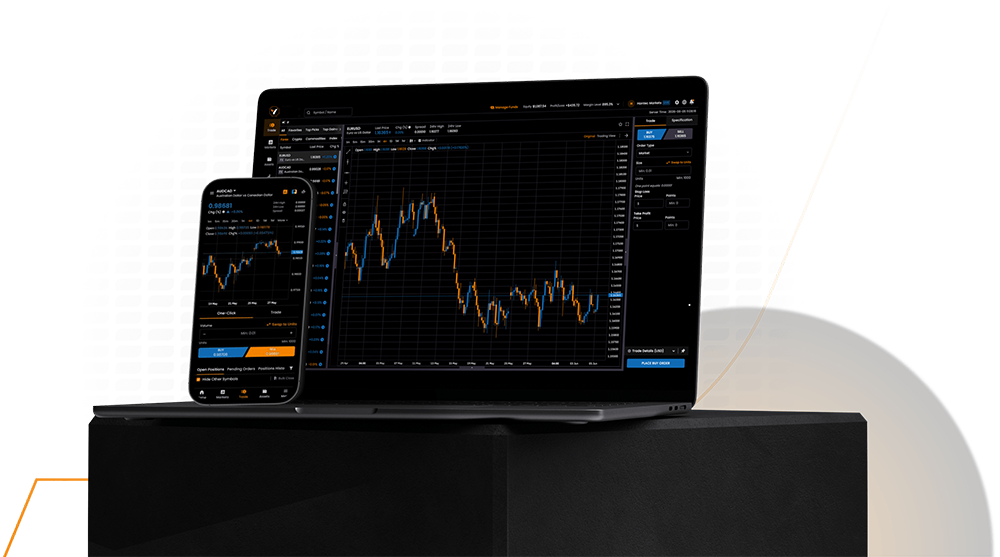
Approve a withdrawal, clear a KYC case or check the day’s numbers without being at a desk to do it.
Get Your Demo