
Trading Platforms
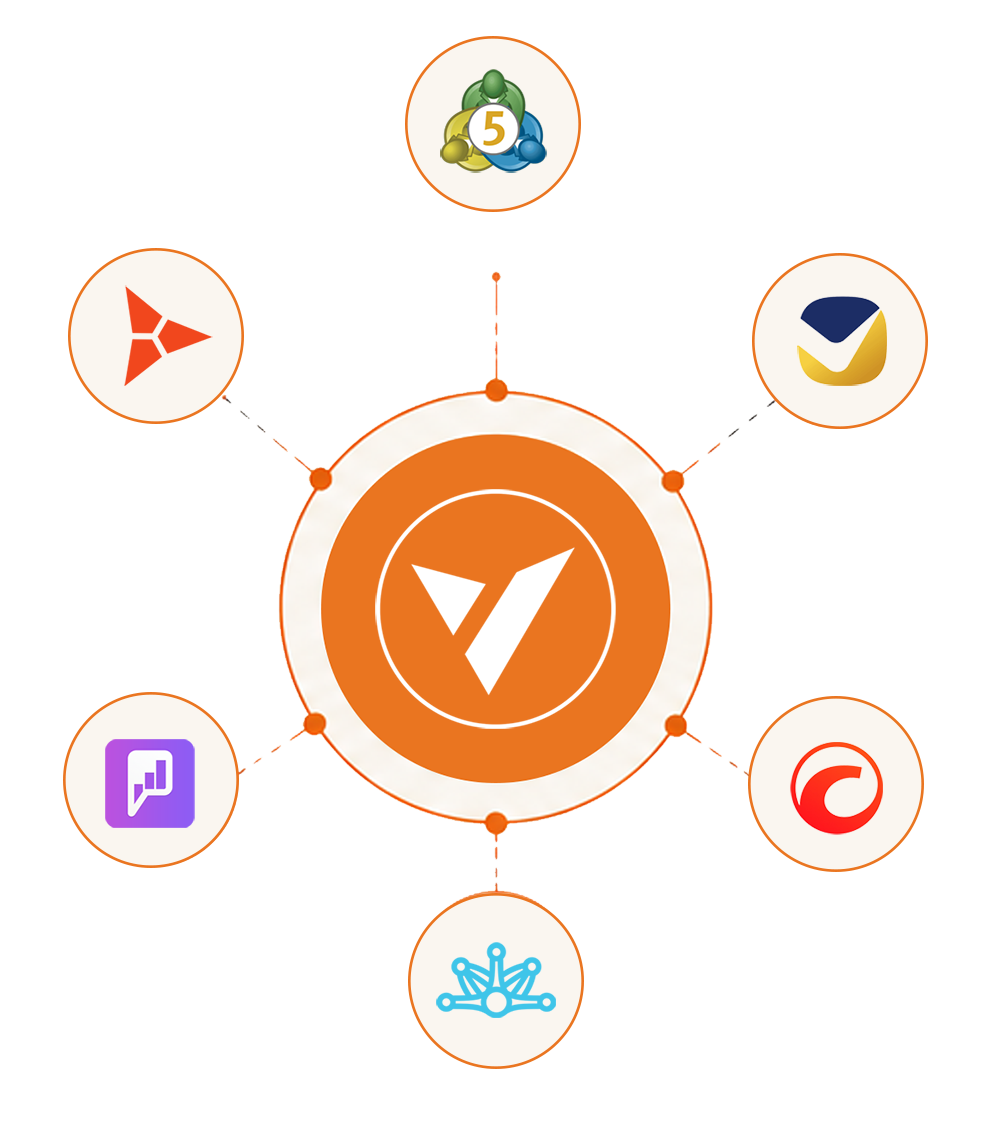
Connect MT5, cTrader, Match-Trader, Leverate, Vertex FX and Piptrex with your CRM, keeping client accounts, trading activity and operational data connected.
- Two-way account sync
- Groups and balances live
- Trade history in one CRM
- One IB structure across platforms
- Accounts managed from the CRM
- No duplicate data entry
- Live margin and exposure
- Trading history stays connected
- Platform-specific configuration
- One client record throughout
- Bridge and API connectivity
- Brokerage operations in one place
What we connect to
One CRM, Multiple Platforms
Connect the trading platform your brokerage uses while keeping clients, accounts, partner structures and operational data within one CRM environment.
-
 MetaTrader 5
Connect MT5 accounts with your CRM and keep client information, account details, balances and trading history aligned across the two systems.
-
 cTrader
Bring cTrader accounts and trading activity into the same client environment, with account information, order history and your existing partner structure managed through the CRM.
-
 Match-Trader
Manage Match-Trader account workflows from your brokerage CRM, keeping funding, grouping and trading records connected to the client profile and admin operations.
-
 Leverate
Connect Leverate with the CRM to bring platform activity, client information and IB structures into the same operational view, helping your team monitor accounts and exposure.
-
 Vertex FX
Connect multi-asset trading activity from Vertex FX with your CRM, giving teams a unified record for client accounts, wallets, trading information and reporting.
-
 Piptrex
Connect Piptrex with the CRM as your in-house trading platform option, bringing the trader terminal, broker dashboard and account operations into the same ecosystem.
Under the hood
The Layer That Keeps Everything Aligned
Connecting a platform is only the start. The real value comes from keeping configuration, operations and information aligned across the entire brokerage stack.
-
Centralized Configuration
Manage platform-related settings from the CRM environment, keeping account groups, trading conditions and operational rules organized across your brokerage.
-
Trading Conditions
Apply the required spreads, commissions, leverage and account rules according to your brokerage structure without maintaining disconnected configurations.
-
Multi-Platform Management
Operate different trading platforms through one CRM environment while keeping each platform available for the client groups and business models that require it.
-
Unified Brokerage Reporting
Bring platform-level information into a common reporting environment so your team can review client, trading and business activity without switching between separate systems.
-
Platform Migration Support
Support transitions between trading environments while preserving the operational information your brokerage needs to continue managing its existing client base.
-
API & Webhook Connectivity
Extend the integration layer with APIs and event-based webhooks to connect additional brokerage tools and move relevant information between systems.
Multiple Platforms, One Operating Desk
Run different trading environments without splitting your brokerage operations between separate systems. Keep the teams, workflows and client servicing around those platforms under one operational layer, so adding another platform does not mean rebuilding the way your business is managed.
-
One Operations Desk
Give your team one place to manage brokerage activity even when clients trade across different platforms
-
Flexible Platform Choice
Support different trading environments for different client groups, markets or business requirements
-
Consistent Client Service
Let your support and operations teams work from the same client context regardless of the trading platform in use
-
Built to Scale
Add supported trading environments as your brokerage grows without creating another operational workflow around each one